Know what actually moved your rankings
Run SEO A/B tests on titles and meta descriptions against real Google Search Console baselines. Stop guessing. Start proving.
Free 14-day trial · No credit card
Bulk-import your pages
Stop pasting URLs one at a time. Pull pages from existing site crawls, pick the ones you want to test, and spin up dozens of experiments in one click, with baseline metadata pre-filled. Most GSC-based testing tools are built for one site. RankNest is built for an agency running tests across every client at once, with per-client win analytics and report exports ready for the monthly client call.
Pull pages straight from your existing site crawls, so there is no copying URLs out of a spreadsheet
Page titles, URLs, and current metadata are pre-populated so experiments spin up in seconds
Filter by page type (money, pillar, supporting) to target the right pages for each test round
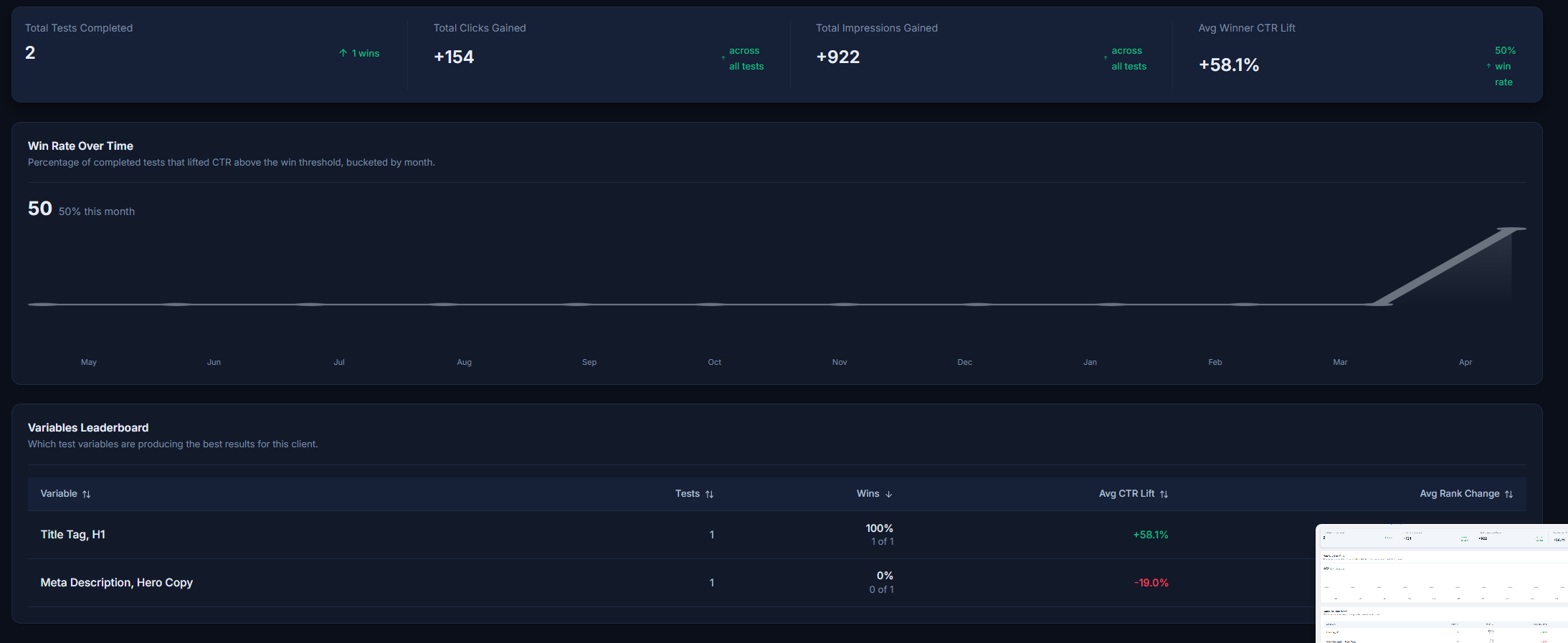
Google Search Console, Before and After
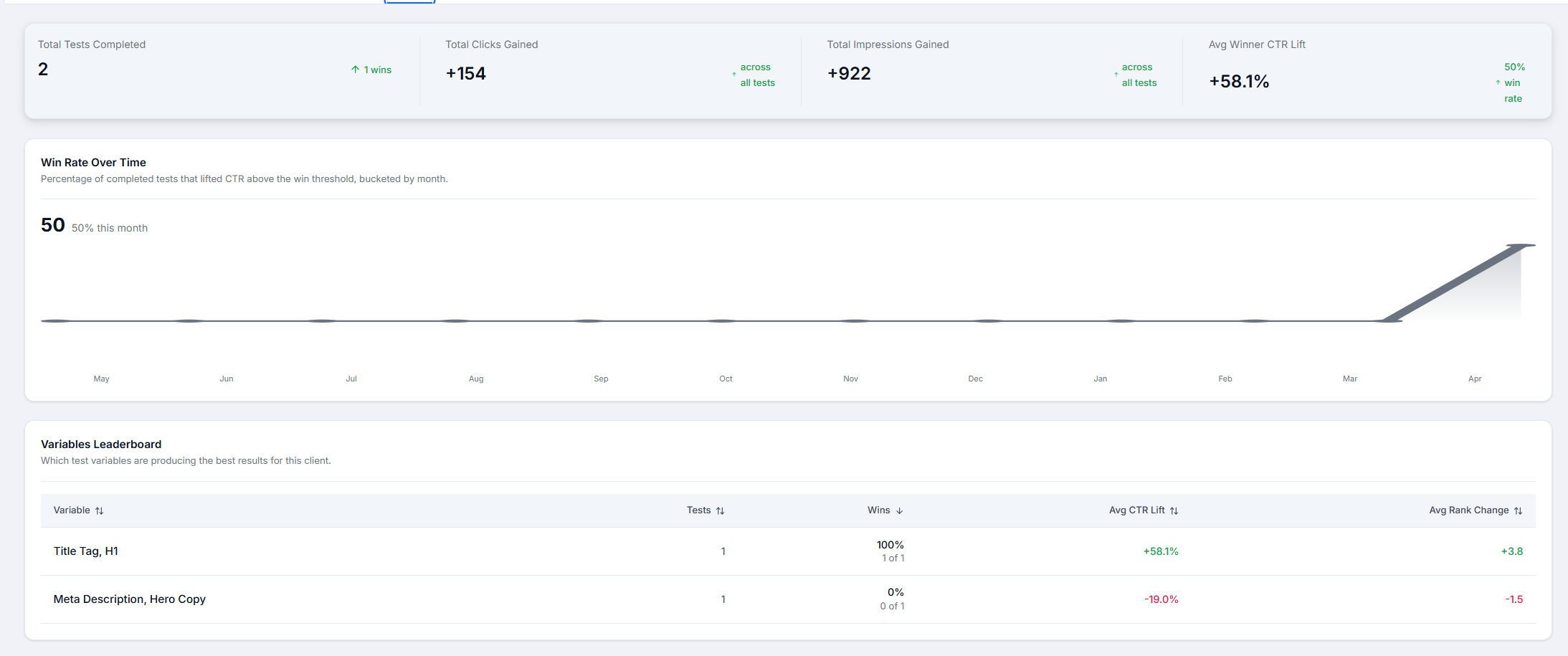
Every experiment captures a real GSC baseline the moment it starts, then syncs again after your changes go live. The result is a clean before/after report backed by Google itself.
- Baseline metrics are captured from Google Search Console the moment an experiment starts
- Post-change sync produces a clean before/after delta for average position, clicks, CTR, and impressions
- Per-client win analytics give you hard proof of ROI for every monthly report
AI trained on your client
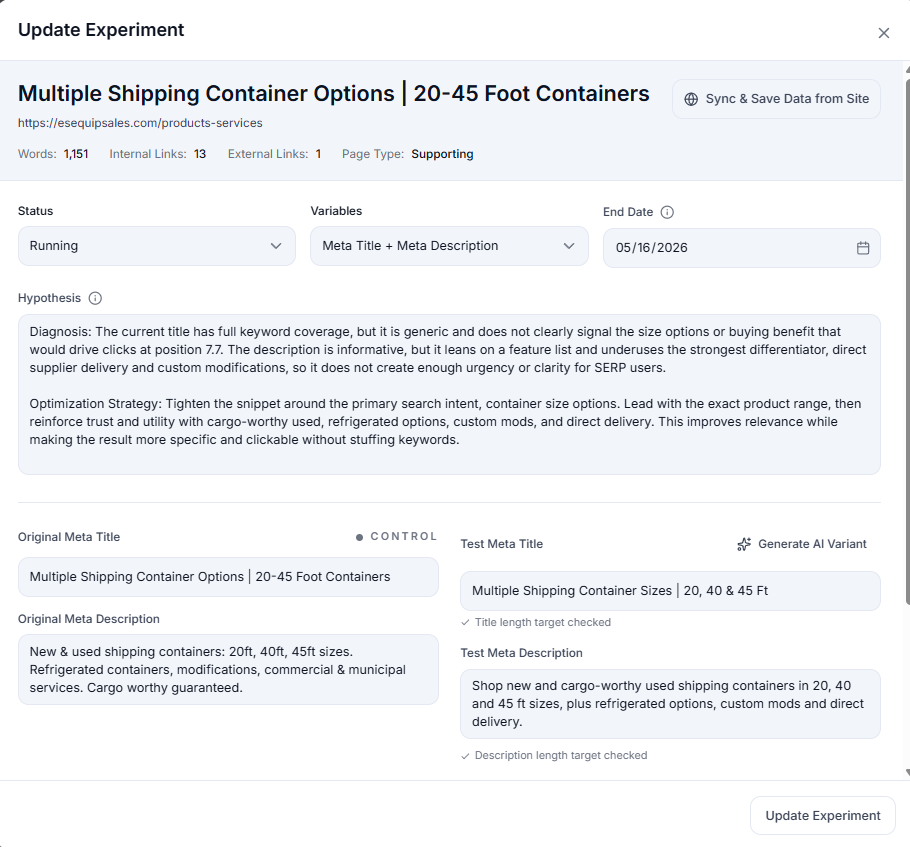
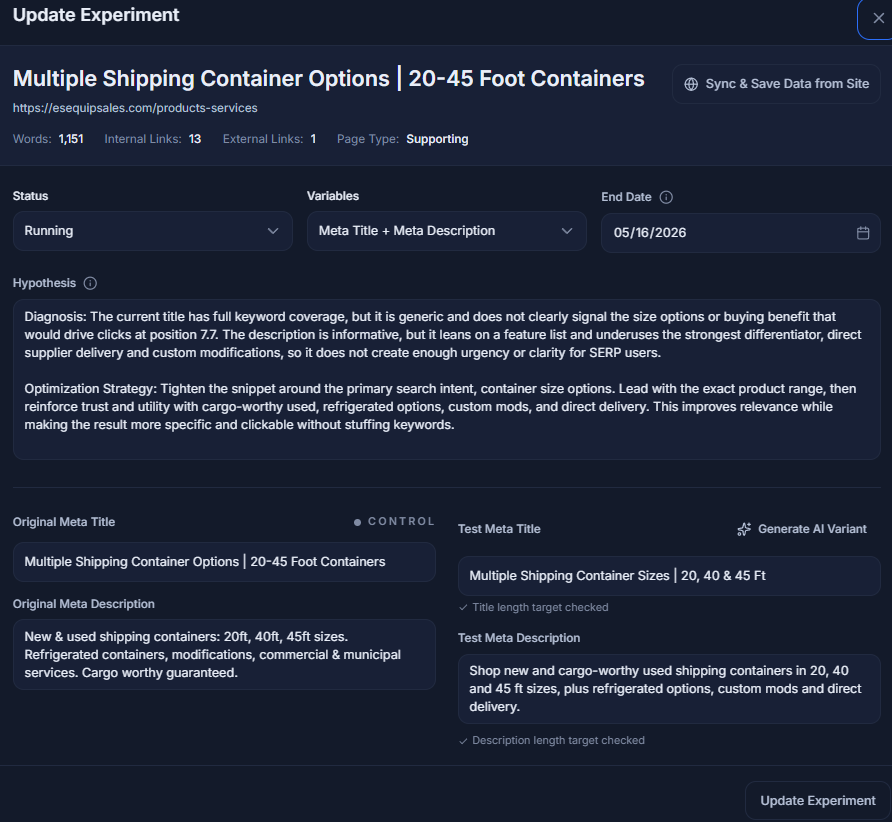
Stop staring at a blank experiment form. The AI reads the page you're testing, knows the client's brand and target keywords, and proposes specific title, meta, and content variations worth running.
The AI is briefed on the client (industry, brand voice, and target keywords), so suggestions match the site rather than generic SEO copy
Reads the target page and its SERP context to propose the variations with the highest upside
Cuts experiment setup from 20 minutes of blank-page staring to 2 minutes of review-and-approve
Automated Tracking and Reporting
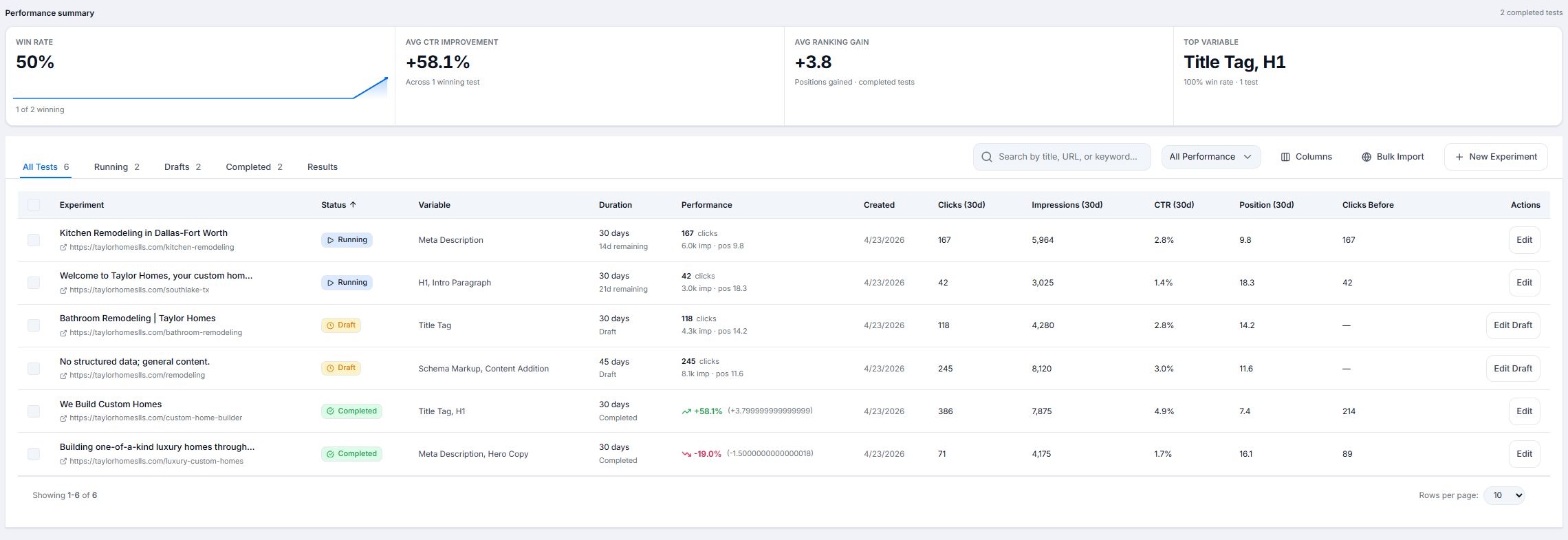
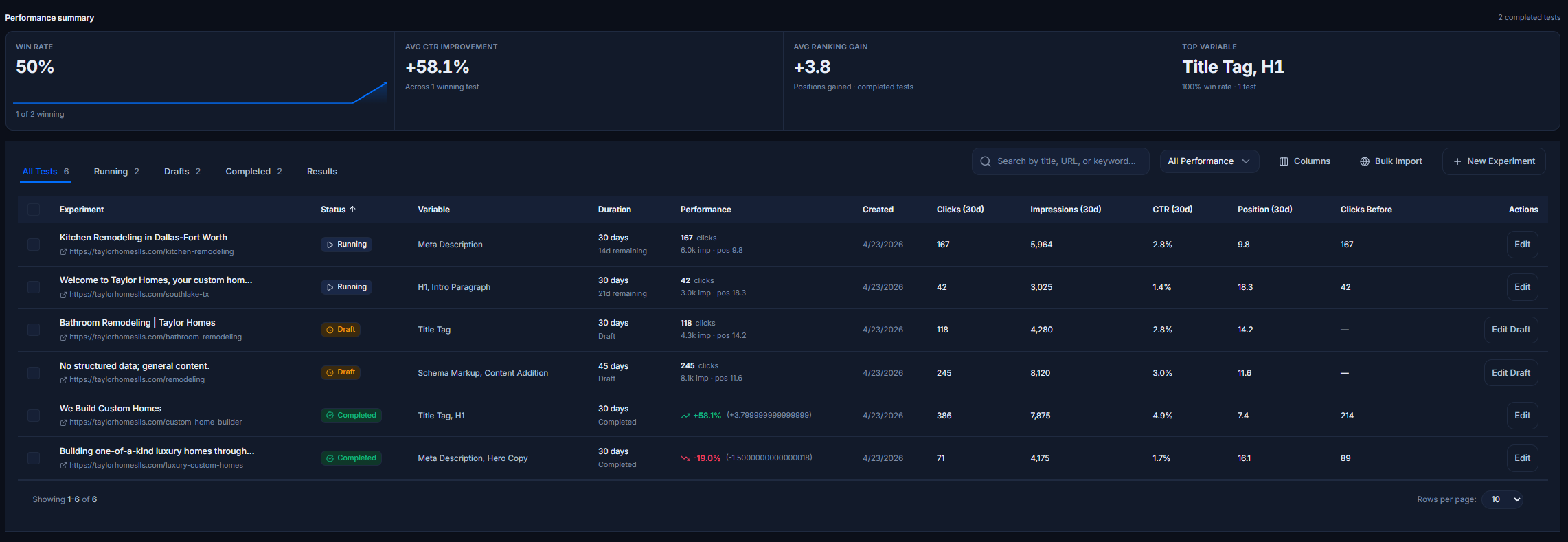
Once an experiment is live, RankNest keeps pulling fresh GSC data on its own. See active experiments, win rates, and CTR gain at a glance on every client overview, without manual spreadsheet updates or copy-paste into client decks.
- GSC data re-syncs on a schedule, so active experiments always show current numbers without a manual refresh
- Active test counts, win rates, and average CTR gain surface on every client overview automatically
- Export-ready experiment library so monthly client deliverables practically write themselves
How SEO testing works
Set the test, sync the data, see the deltas.
Create Experiment
Choose what to test: meta titles, descriptions, H1 tags, content changes, or create custom variables.
Sync GSC Data
Connect Google Search Console to automatically pull baseline metrics: average position, clicks, impressions, and CTR for your test pages.
Make Changes
Implement your SEO changes on the live site. Document what you changed and when in the experiment tracker.
Track Results
RankNest automatically syncs new GSC data. See before/after comparisons, statistical significance, and trend analysis.
What you can test
16 pre-built variables, plus unlimited custom ones.
Meta Title
Meta Description
H1 Tag
H2 Tags
Word Count
Internal Links
External Links
Image Alt Text
Schema Markup
URL Structure
Content Refresh
Keyword Density
Readability Score
Page Speed
Mobile Optimization
Custom Variable
How RankNest decides whether a test won
An SEO test is only as good as its measurement. These are the rules every RankNest experiment follows, so a result you show a client holds up when they ask how you got it.
- The baseline is the whole page
- When a test starts, RankNest records the page's clicks, impressions, CTR and average position from Search Console for the previous 28 days. It uses every query the page earns, not one keyword you picked.
- Both windows are the same length
- The results window matches the baseline and never starts before the test did. Windows end on the last day Google has data for, so reporting lag does not make every test look worse.
- CTR needs enough clicks to count
- A test wins when position or clicks improve and neither gets worse. CTR only decides the result once the page has at least 20 clicks across both windows, because on smaller numbers it swings in both directions.
- You record the decision
- Finished tests wait in a Review tab until you mark them keep, roll back, inconclusive or re-test. Your verdict is kept for the record and never changes the win rate, which stays purely on the numbers.
Questions about SEO testing
- Is this split testing or before-and-after testing?
- Before and after on the same page. A true SEO split test divides hundreds of similar pages into control and variant groups, which most client sites do not have. RankNest measures one page against its own Search Console baseline, which works on a site with 20 pages as well as 20,000.
- How long should an SEO test run?
- The default is 28 days, matching the baseline window, so both sides cover the same number of weekdays and weekends. Shorter tests are allowed, and the results window is never longer than the test itself.
- Search Console data is a few days late. Does that skew the result?
- No. Windows end on the last day Google has data for, not on today, and a finished test syncs once more three days after it ends so the late days are counted.
- Why did a test with a higher CTR not count as a win?
- CTR only decides a result when the page had at least 20 clicks across the two windows. On a handful of clicks, one extra visit can move CTR by 30 percent in either direction, so below that the verdict comes from position and clicks instead.
- Can I run more than one test on a page?
- Yes, one after another. RankNest groups every test under its page so you can see the history. Two tests running on the same page at the same time make it impossible to say which change did the work, so finish one before starting the next.
Guides to SEO testing
6 best SEO testing tools in 2026, compared
RankNest, SEOTesting, SearchPilot, seoClarity, SplitSignal and Statsig, with the kind of site each one suits.
25 SEO tests to run on client sites
Single, reversible changes to start with, from title tags and meta descriptions to internal links.
How to run SEO tests on sites under 1,000 pages
Why small sites need before-and-after tests rather than split tests, and how to run them cleanly.
Can you A/B test internal links?
A time-based method for measuring what new internal links did for a target page.
6 SEOTesting alternatives, with 2026 pricing
The options if you manage several properties or want testing next to the rest of your SEO work.