Search engines read anchor text to understand page relevance. Link to a product page with "buy blue widgets," and Google interprets that page as relevant for blue widget searches. Over-optimize that signal, stack too many exact-match anchors, and Google's Penguin algorithm devalues those links or triggers a manual action that tanks rankings.
This guide walks SEO agencies through data-driven anchor text distribution frameworks, penalty warning signs, audit workflows, and client-specific strategies that balance optimization with long-term safety.

What Is Anchor Text (And Why It Makes or Breaks Your SEO)
Anchor text is the clickable word or phrase in a hyperlink: <a href="https://example.com/page">clickable anchor text</a>. Google uses these signals to classify pages topically. When 50 external sites link to a page using "enterprise security audit tool," search engines infer that page ranks for security audit queries.
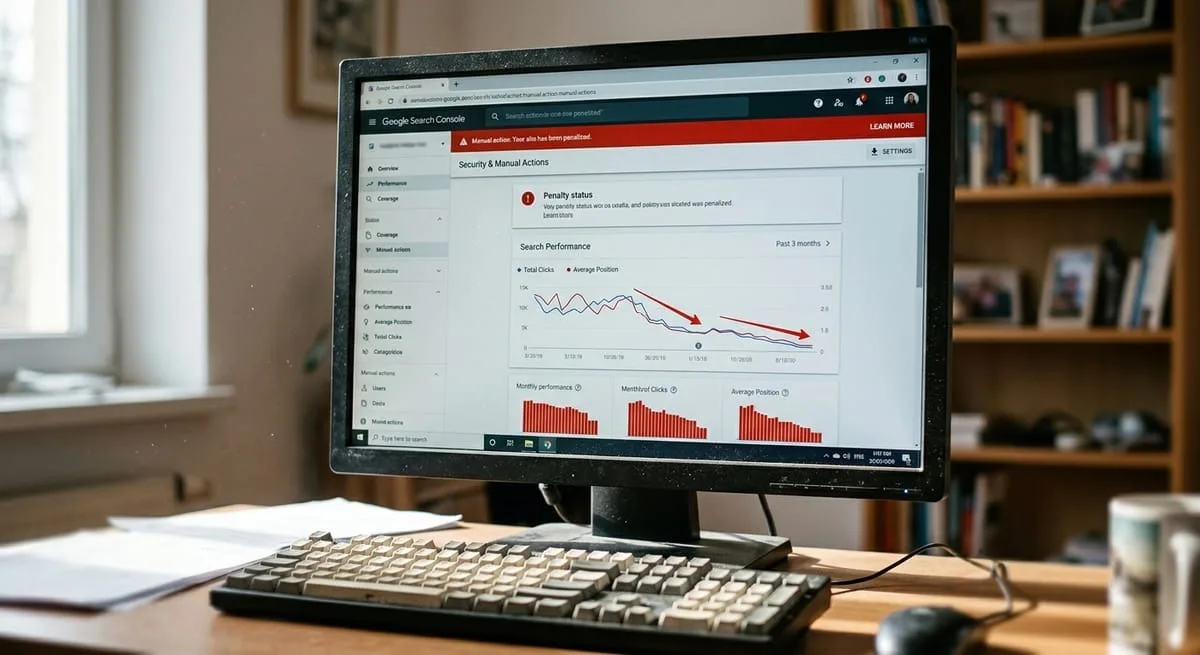
The Penguin algorithm, incorporated into Google's core ranking system in 2016, penalizes unnatural link profiles. When over 25% of your anchors use exact-match commercial keywords, you've crossed into the danger zone. Rankings drop, traffic collapses, and recovery takes 60-120 days minimum.
The 7 Types of Anchor Text Explained
Anchor Type | Example | Strategic Use Case | Risk Level |
Exact Match | "SEO agency software" | Target money pages sparingly (10-15% external max) | HIGH |
Partial Match | "software for SEO agencies" | Primary optimization vehicle (30-35% sweet spot) | MEDIUM |
Branded | "RankNest" or "RankNest platform" | Build trust signals and balance aggressive anchors (20-25%) | LOW |
Generic | "click here," "learn more," "this tool" | Natural diversification filler (15-20%) | LOW |
Naked URL | "ranknest.io" | Add variety without keyword stuffing (5-10%) | LOW |
LSI/Semantic | "multi-client SEO dashboard" | Capture related search intent (5-10%) | LOW-MEDIUM |
Image Alt | Alt text from image links | Overlooked in most audits; review separately | MEDIUM |
Internal links tolerate more exact-match anchors (60-70%) because you control context and placement. External profiles require heavier diversification. Aim for 40-50% exact/partial match maximum to avoid triggering algorithmic filters.
How Anchor Text Impacts Rankings and Penalties
Google analyzes anchor text velocity, diversity, and keyword density. Sudden spikes in exact-match anchors from low-authority sites signal manipulation. A 50% monthly increase in commercial anchors to a single page precedes ranking drops.
When over-optimization occurs, Google either algorithmically devalues the links (rankings plateau despite new backlinks) or issues a manual action visible in Search Console. Context matters as much as keyword matching. An exact-match anchor from a relevant industry publication within editorial content carries more weight than the same anchor from a site-wide footer link on an unrelated domain. If you're comparing tools for that kind of work, our guide to Link Whisper alternatives breaks down options for agencies and multi-site SEOs.
The Data-Driven Anchor Text Ratio Framework
Analysis of 500+ penalty-free campaigns reveals these baseline ratios for external link profiles:
15-20% Exact Match – Target money pages, but stay below 20%
30-35% Partial Match – Primary optimization vehicle; captures semantic variations
20-25% Branded – Establishes legitimacy; can go higher for local businesses (35-40%)
15-20% Generic – Natural filler anchors
10-15% Other – Naked URLs, LSI variations, image alt text
New domains face stricter scrutiny. For sites under six months old, use 5-10% exact match, 25-30% partial match, 30-35% branded, and 30-35% generic/other.
Co-occurrence patterns influence penalty risk. When Google sees your target keyword appearing near your anchors (within 100 words), it reinforces topical relevance even with generic anchor text.
Ratio Adjustments by Client Type
Client Type | Exact Match | Partial Match | Branded | Generic/Other | Notes |
New Domain (0-6 months) | 5-10% | 25-30% | 30-35% | 30-35% | High branded ratio builds trust first |
Established Site (6+ months) | 15-20% | 30-35% | 20-25% | 20-25% | Baseline optimization ratios |
Local Business | 10-15% | 30-35% | 35-40% | 15-20% | Add geo-modifiers ("Denver plumber") |
E-commerce | 15-20% | 40-45% | 15-20% | 20-25% | Product-focused partial match variations |
E-commerce sites benefit from product-specific partial matches like "wireless noise-canceling headphones" instead of exact "buy Sony WH-1000XM5" anchors. Local businesses should integrate geographic variations into partial match anchors: "emergency plumber in Denver," "Denver 24-hour plumbing service."
Running a large product catalog? See our guide to internal linking for massive e-commerce sites for category- and product-page-specific anchor patterns.
Enterprise B2B clients need more conservative ratios. High-value leads and long sales cycles mean penalty recovery isn't an option. For enterprise clients, cap exact match at 10-12% and increase branded anchors to 30-35%.
Internal vs External Anchor Text Distribution
Internal links carry less penalty risk because you control surrounding content. Target 60-70% exact/partial match anchors on internal links, especially when connecting topic clusters. A pillar page about "SEO agency software" can link to supporting content using anchors like "internal link mapping tool" or "SEO A/B testing platform."
For the full pillar-and-cluster framework these anchor examples assume, see our complete guide to internal linking strategy.
External profiles need greater diversity. Cap exact/partial match at 40-50% combined. RankNest's Internal Link Mapping Tool visualizes your internal anchor distribution on an interactive canvas, identifying opportunities to optimize hub-and-spoke cluster connections with AI-powered linking recommendations. Other options in that category are covered in our comparison of the best internal linking tools for agencies.
Anchor text concentration by page also matters. Spreading exact-match anchors across 10 supporting pages creates a more natural pattern than concentrating all optimization on one money page. Anchor text is also one of the easier variables to test in isolation, which our guide to SEO testing for agencies walks through.
How to Audit Your Anchor Text Profile (Step-by-Step)
Tools and Data Collection
Step 1: Export your backlink profile from Ahrefs, SEMrush, or Majestic. Navigate to Site Explorer > Anchors (Ahrefs), Backlink Analytics > Anchors (SEMrush), or Anchor Text tab (Majestic).
Step 2: Pull Google Search Console data for branded vs. non-branded query distribution. If 80% of your organic clicks come from branded searches, your anchor profile over-indexes on brand terms.
Step 3: Document all anchors in a spreadsheet with columns for anchor text, anchor type, referring domain authority, link context, and acquisition date.
Step 4: Segment by acquisition date. Recent anchor text (last 90 days) reveals current optimization patterns.
Distribution Analysis and Red Flags
Step 5: Categorize each anchor into the seven types. Calculate percentage distribution: divide each category's total by the sum of all anchors.
Step 6: Compare your distribution to the baseline framework. If exact match exceeds 20%, partial match exceeds 40%, or commercial anchors (exact + partial) exceed 50%, you're in the warning zone.
12-Point Red Flag Checklist:
Over 25% exact match anchors
Over 40% combined commercial anchors
Sudden 50%+ monthly anchor spikes
Identical anchors to multiple pages
Anchor text from spammy domains (DA < 10)
Footer or sidebar link farms
Over-optimized LSI clusters
Disconnect between branded traffic and branded anchors
High exact match to new pages
Anchors from thin content pages
Exact match from unrelated industries
No generic or naked URL anchors
If you identify 3+ red flags, initiate penalty avoidance measures immediately.
Competitive Benchmarking
Step 7: Export anchor profiles for your top 10 ranking competitors. Calculate their distributions. If competitors safely maintain 18% exact match while you're at 12%, you have headroom.
Step 8: Identify anchor opportunities competitors are missing. If they're not targeting LSI variations, you can capture that search intent without triggering penalties.
Step 9: Analyze competitor link placement patterns. Editorial placements tolerate higher keyword optimization than systematic directory submissions.
Penalty Avoidance and Recovery Protocol
The 8 Warning Signs of Over-Optimization
Over 25% exact match anchors – Hard ceiling
Over 40% combined commercial keywords – Aggregate danger zone
50%+ monthly anchor velocity spike – Suspicious growth
Exact match anchors from low-authority domains (DA < 20)
Identical anchors to 3+ pages – Unnatural distribution
Footer/sidebar link farms with commercial anchors
Anchor clusters from unrelated niches
Branded query traffic < 30% of total organic clicks
Visual Danger Zone Spectrum:
🟢 Under-Optimized (0-40% commercial) → 🟡 Sweet Spot (40-50% commercial) → 🔴 Over-Optimized (50%+ commercial)
Algorithmic penalty signals differ from manual actions. If Search Console shows no manual action but you've lost 40%+ traffic correlated with a Penguin update, you're facing algorithmic devaluation. Rankings decline gradually over 3-6 weeks.
Anchor Text Strategies
New Domains vs Established Sites
New Domains (0-6 months):
10% exact match max, 50-60% branded/generic combined
Focus on branded anchors and naked URLs to build trust
Slow link velocity (5-10 links per month maximum)
Prioritize relevance over keyword optimization
Avoid commercial anchor spikes that trigger sandbox delays
Established Sites (6+ months):
Baseline ratios apply: 15-20% exact match, 30-35% partial match
Competitive gap analysis identifies safe optimization headroom
Gradual anchor optimization increases (add 2-3% exact match per quarter if competitors are higher)
Aged domains (5+ years) can tolerate slightly more aggressive ratios (18-22% exact match) without triggering penalties.
Local Business and E-Commerce Approaches
Local Businesses:
Higher branded anchor tolerance (35-40%)
Geographic variations: "Denver emergency plumber," "24-hour plumbing Denver"
NAP consistency across directory anchors
Google Business Profile integration with location-specific content anchors
E-commerce Sites:
Product-focused partial match dominates (40-45%): "wireless noise-canceling headphones"
Category page anchors use broader semantic terms: "premium audio gear"
User-generated content provides natural anchor diversification
Monitor seasonal campaign velocity (holiday link building spikes
Multi-location franchise businesses: Each location page needs distinct anchor text profiles. Vary geographic modifiers and stagger link acquisition timing.
Advanced Anchor Text Tactics for 2026
Entity-Based Anchor Optimization
Google's Knowledge Graph connects entities rather than just matching keywords. Entity-based anchors leverage this: "RankNest's internal linking tool," "SEO agency software by RankNest," or "multi-client dashboard from RankNest." These phrases pass topical relevance signals while maintaining branded anchor classification for penalty safety.
Co-citation patterns reinforce entity relationships without requiring direct keyword anchors. When your brand appears near competitor names or category terms on external sites (even without hyperlinks), Google infers topical relevance.
Semantic Anchor Clusters
Group related anchors into semantic clusters rather than optimizing individual keywords. For an SEO agency software page, cluster anchors might include: "SEO platform for agencies," "multi-client SEO tools," "agency SEO dashboard," "SEO software for consultants."
Anchor clusters should map to keyword clusters in your content strategy.
Image Alt Text as Hidden Anchor Opportunity
Image links pass anchor text through alt attribute values, overlooked in most profile analyses. Optimize image alt text with partial match anchors for natural diversification: <img src="dashboard.png" alt="multi-client SEO agency dashboard">.
Infographics and embeddable content generate natural image backlinks with customizable alt text.
Ready to audit your anchor text profile? RankNest's SEO agency platform provides comprehensive tools for managing multiple clients, including visual internal link mapping, technical site audits, and performance tracking. Start optimizing your internal links with AI-powered recommendations that follow anchor text best practices, or explore flexible pricing plans designed to scale with your agency.