AI-written GBP posts for every client location
Generate posts and images with AI, schedule weeks ahead, and run every client location from one calendar. Fresh posts and photos are the kind of maintenance clients notice when they check their own listing.
Write one now
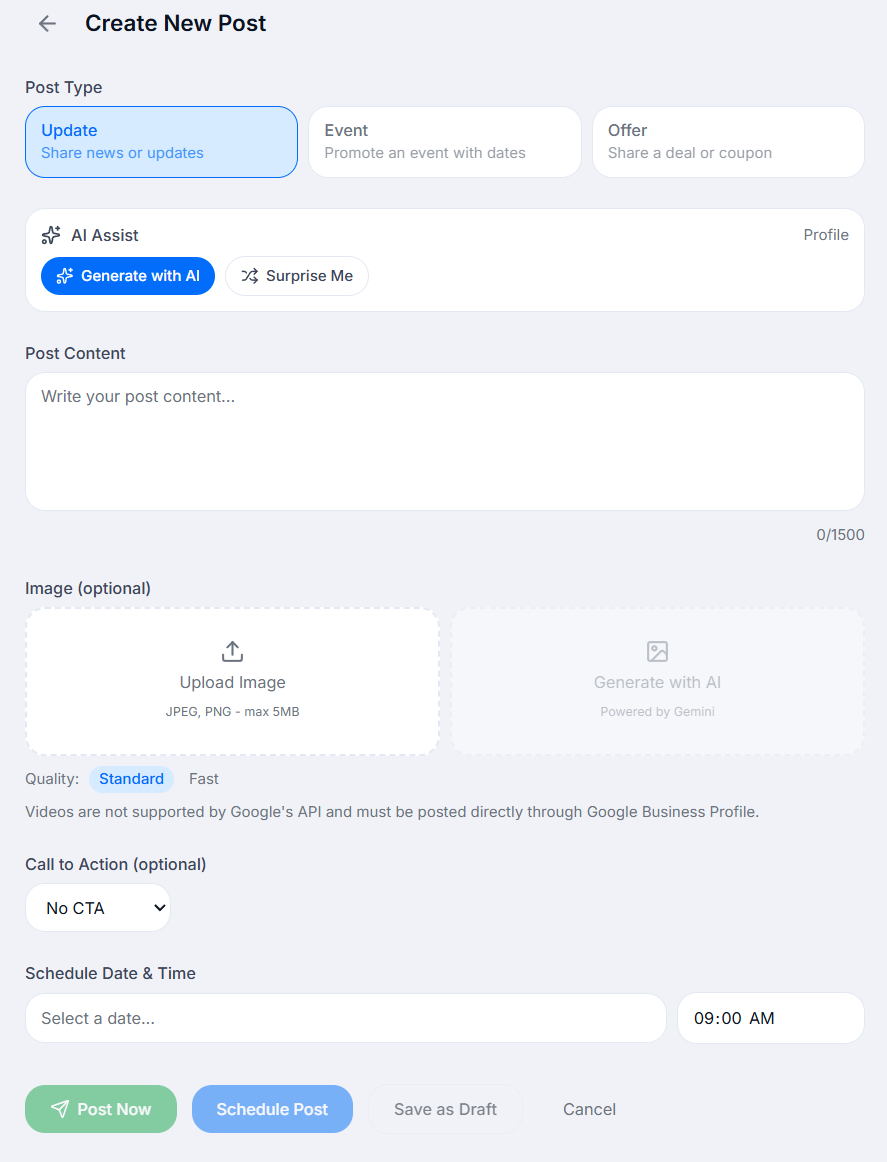
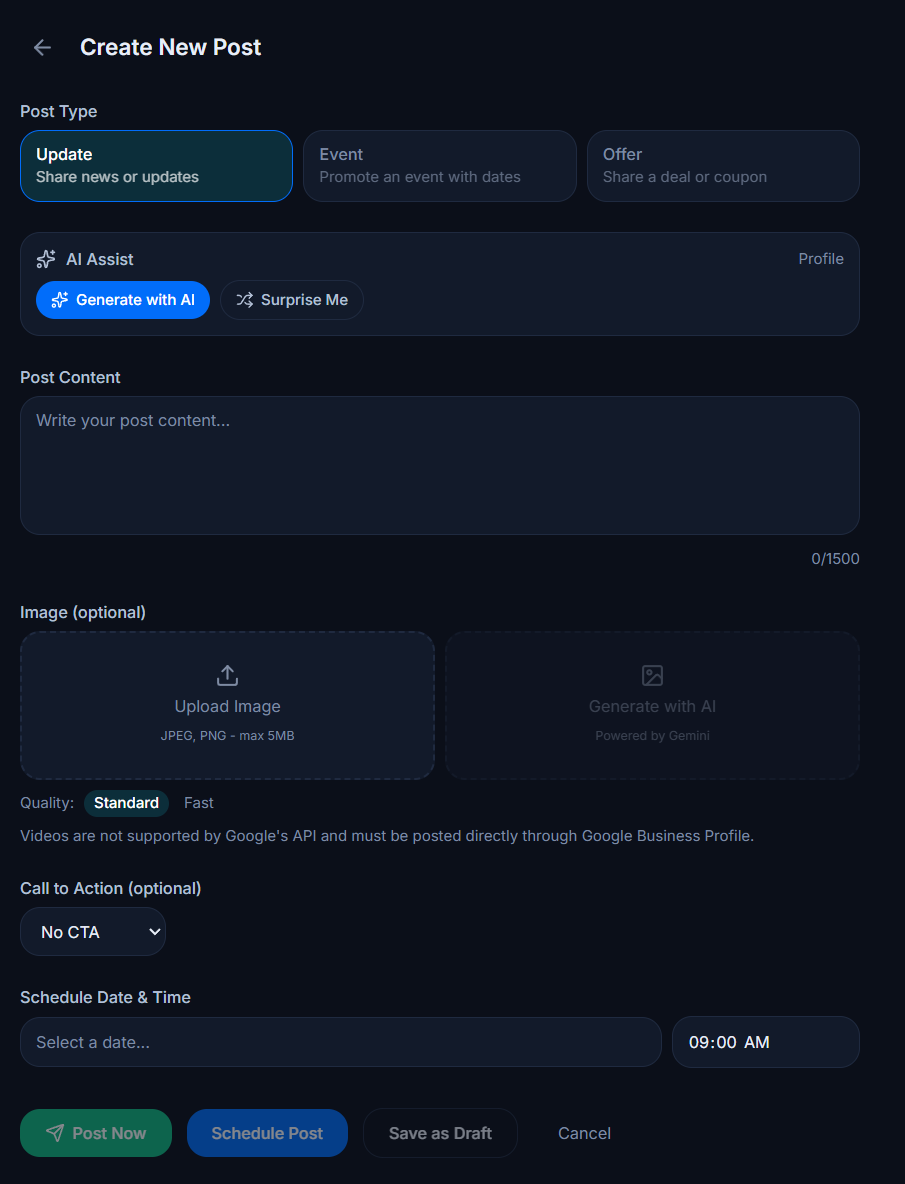
This is the actual composer, not a screenshot. Draft a post and see the preview update. Publishing it to Google is what needs an account.
Create New Post
Videos are not supported by Google's API and must be posted directly through Google Business Profile.
One dashboard for every client's GBP posts
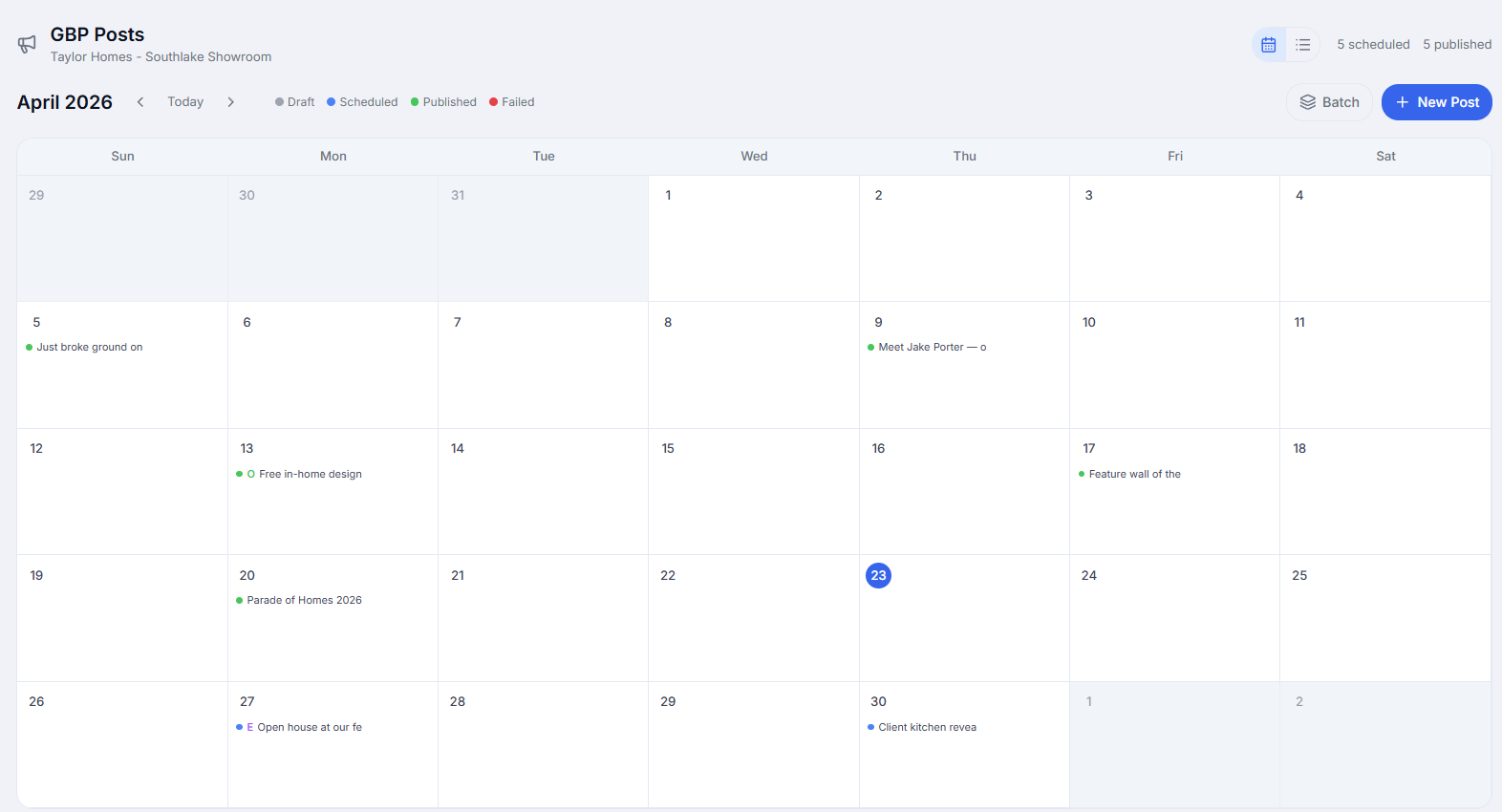
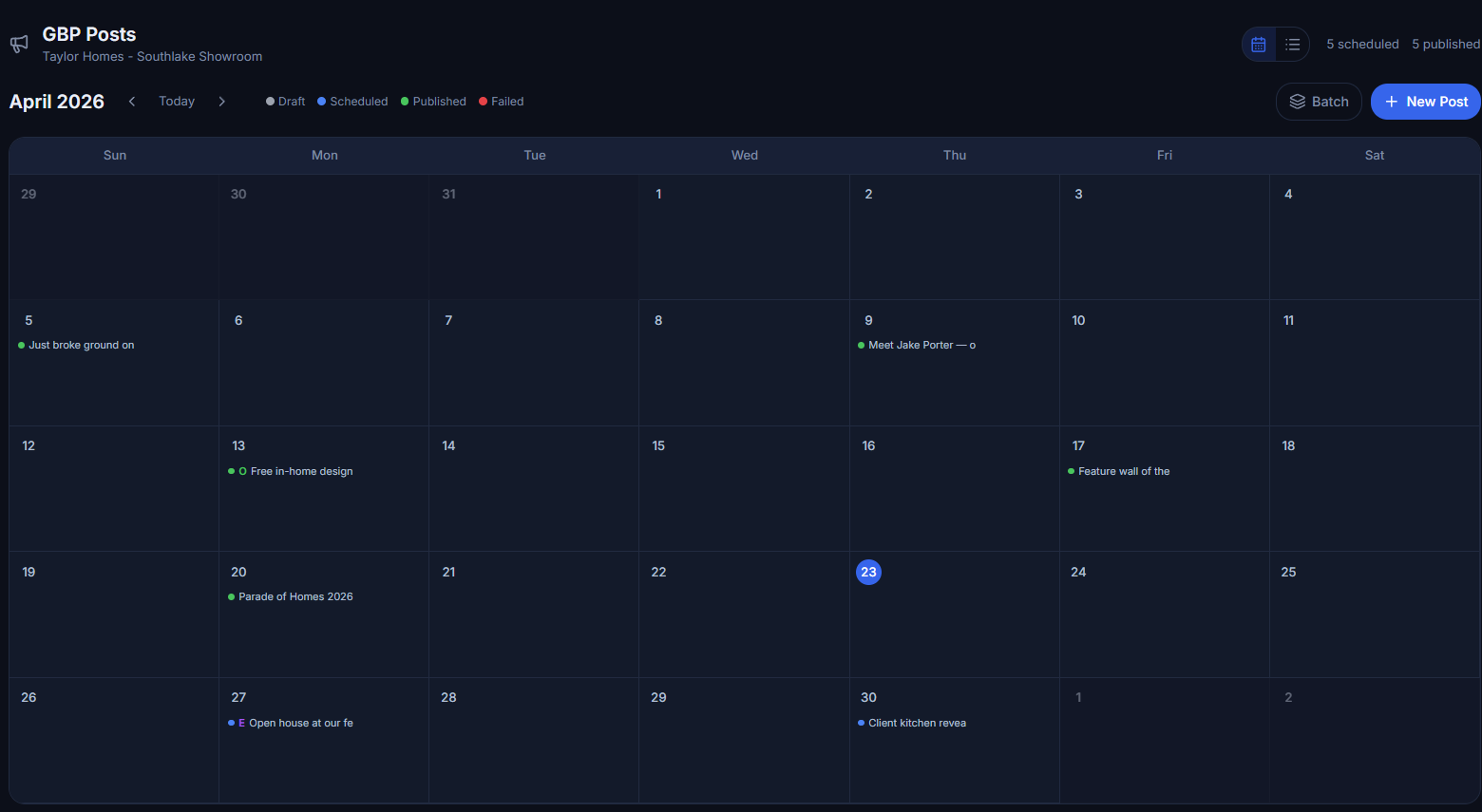
Stop logging into 20 different Google Business Profile accounts. Schedule, preview, and manage posts for every client from one calendar, with live status tracking on each post.
- Generate AI-powered post content with one click
- Create AI-generated images optimized for GBP (1200x630)
- Support for Standard, Event, and Offer post types
- AI auto-builds business context from your client profile
- Schedule posts weeks in advance with calendar view
- Manage multiple client locations from one dashboard
- Upload images or generate them with AI
- Add call-to-action buttons (Book, Order, Learn More, etc.)
- Live preview before scheduling or publishing
- Automatic retry on failed posts with smart backoff
- Filter by status: scheduled, published, failed, draft
- Save drafts and iterate before scheduling
A month of posts in minutes, not hours
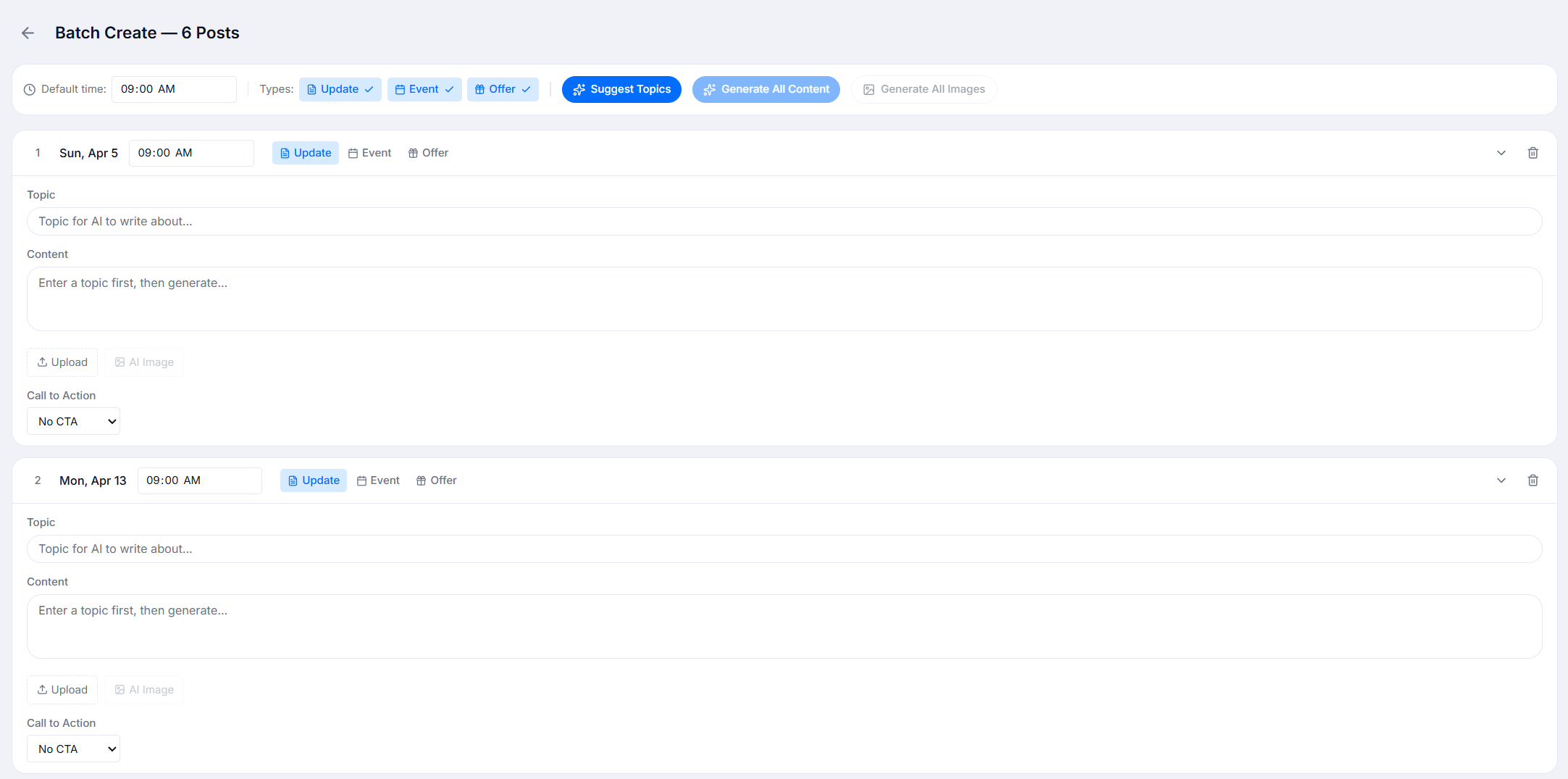
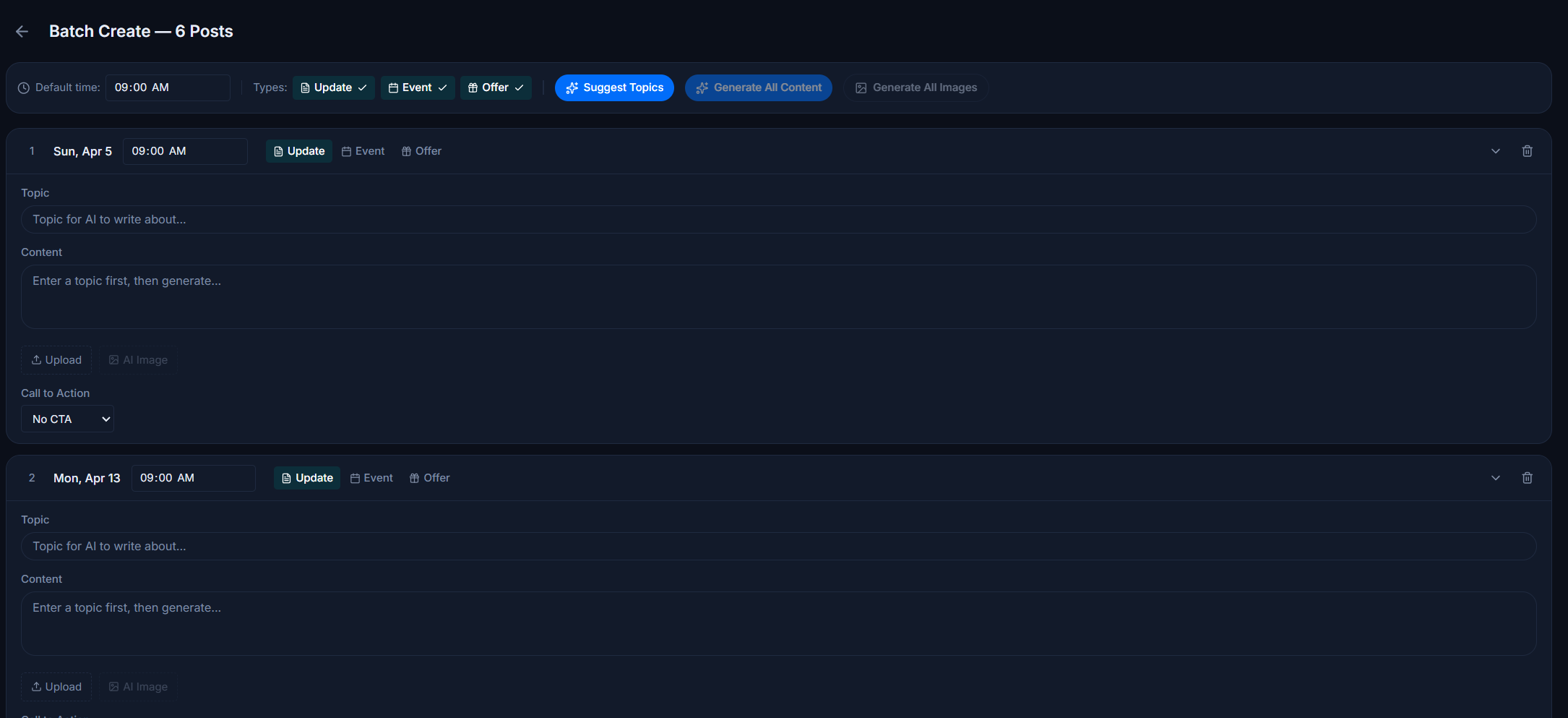
Batch-build an entire month of GBP posts in one sitting. The AI is trained on the client's services, brand voice, and target keywords, so every caption sounds like them. Upload your own photos or generate on-brand images in the same flow, then schedule the whole calendar at once.
- Generate an entire month of GBP posts in one batch, across every client location, in a matter of minutes
- The AI is trained on each client's profile, services, and brand voice so captions sound like them, not like a template
- Upload your own photos per post, or generate on-brand AI images in the same flow without leaving the dashboard
- Review, edit, and approve the full calendar at once, then schedule every post with a single click
How GBP post scheduling works
From OAuth to auto-publish in four steps.
Connect Your Locations
Link each client's Google Business Profile location. Our secure OAuth integration gives you posting access without sharing passwords.
Create Your Posts
Write your message manually or let AI generate optimized post content and images in one click. Add a call-to-action button, choose your post type (Standard, Event, or Offer), and preview exactly how it will appear on Google.
Schedule or Publish
Choose a future date and time, save as draft for later, or publish immediately. Our calendar view shows all upcoming posts across clients so you can plan content strategically.
Automated Publishing
Posts publish automatically at the scheduled time. If a post fails, our system retries up to 3 times with exponential backoff. You'll see real-time status updates in your dashboard.
What you can schedule
Everything that keeps a client visible on Google Search and Maps.
AI Content Generation
One-click AI posts from your client brief
AI Image Generation
Photorealistic images via OpenAI GPT Image
Post Types
Standard, Event, and Offer posts
Gallery Photos
Schedule photos straight to the GBP gallery so it never goes stale
Text Posts
Up to 1,500 characters
Image Uploads
JPEG, PNG, WebP up to 5MB
CTA Buttons
Learn More, Book, Order, Shop, Sign Up, Call
Future Scheduling
Set any future date and time
Instant Publish
Publish now for time-sensitive updates
Draft Mode
Save and refine before scheduling
Multi-Client
All client locations in one dashboard
Publishing History
Track success, failures, and retries
Six tools, one client workspace
Your scheduler does GBP posts. It doesn't do link maps, SEO tests, site audits, or review mining. RankNest includes all six, with every client in one workspace, from $50/mo.